Touch Panel Replacement & Program Download
HMI replacement and compressor program backup/reload for IHI centrifugal air compressors — KEYENCE VT2-5SB and VT3-Q5TA — by Turbomax Co., Ltd.
At a glance
- Fits: IHI and Cameron control panels using KEYENCE VT2-5SB / VT3-Q5TA
- Supply: New touch panel fitted to the existing control cabinet
- Included: Program download and parameter backup
The touch panel is the only part of the control system an operator touches every day, and it is usually the first thing to fail. A screen that needs three presses, a button that no longer lines up with the display, or a panel that will not boot after a power cut leaves the machine running blind — the compressor is mechanically fine, but nobody can start it, change set points or read an alarm. Turbomax replaces the panel and, just as importantly, backs up and reloads the original compressor program so the machine behaves exactly as it did before.
Symptoms of a failing touch panel
- Part of the screen stops responding, or buttons need several presses;
- Calibration drifts — the pressed point no longer matches the button on screen;
- Ghost touches, or the screen reacts without any input;
- Display flickers, dims or goes blank while the controller is still powered;
- The panel does not boot after a power cycle, or hangs on the startup screen;
- HMI loses communication with the controller, while the compressor itself is healthy.
Before condemning the panel, check the simple things first: the 24 V supply, the communication cable and connector, and whether the panel is actually the fault rather than the controller behind it. A panel that reports "communication error" may be telling the truth about the other end of the cable.
What we do — panel and program together
- Read the old panel — pull the existing project out of the unit and keep a backup before anything is unplugged;
- Supply the replacement — KEYENCE VT2-5SB or VT3-Q5TA (or a compatible equivalent when the exact model is discontinued);
- Load the program — transfer the original project and verify screen pages, set points and alarm texts against the machine;
- Check the control behaviour — IGV stroke and limits, surge protection response, alarm and trip pages, communication to the controller;
- Hand over — backup file, panel settings record and a short note on how to restore the program if the panel is replaced again.
Panel models and what they control
| Panel model | Typical use on IHI compressors |
|---|---|
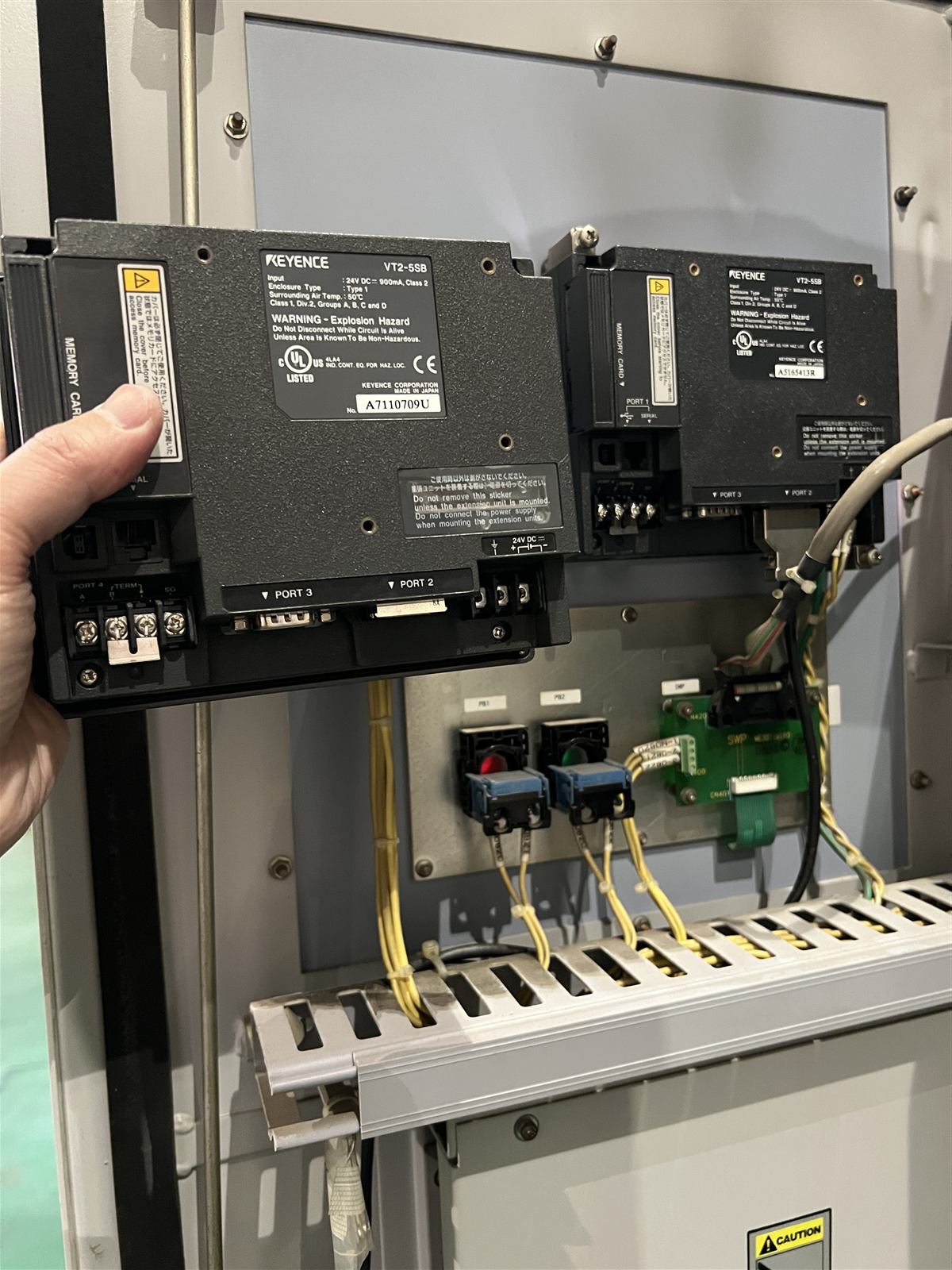
| KEYENCE VT2-5SB | Operator interface for start/stop, set points, alarm display and status pages on IHI centrifugal compressor control panels |
| KEYENCE VT3-Q5TA | Later-generation operator interface used on IHI units; replacement includes program migration from the old panel |
Both models are long-serving units and availability changes; the exact model is confirmed at quotation. Where the original model can no longer be obtained, we propose a compatible replacement and verify that the program and communication work before the panel is shipped.
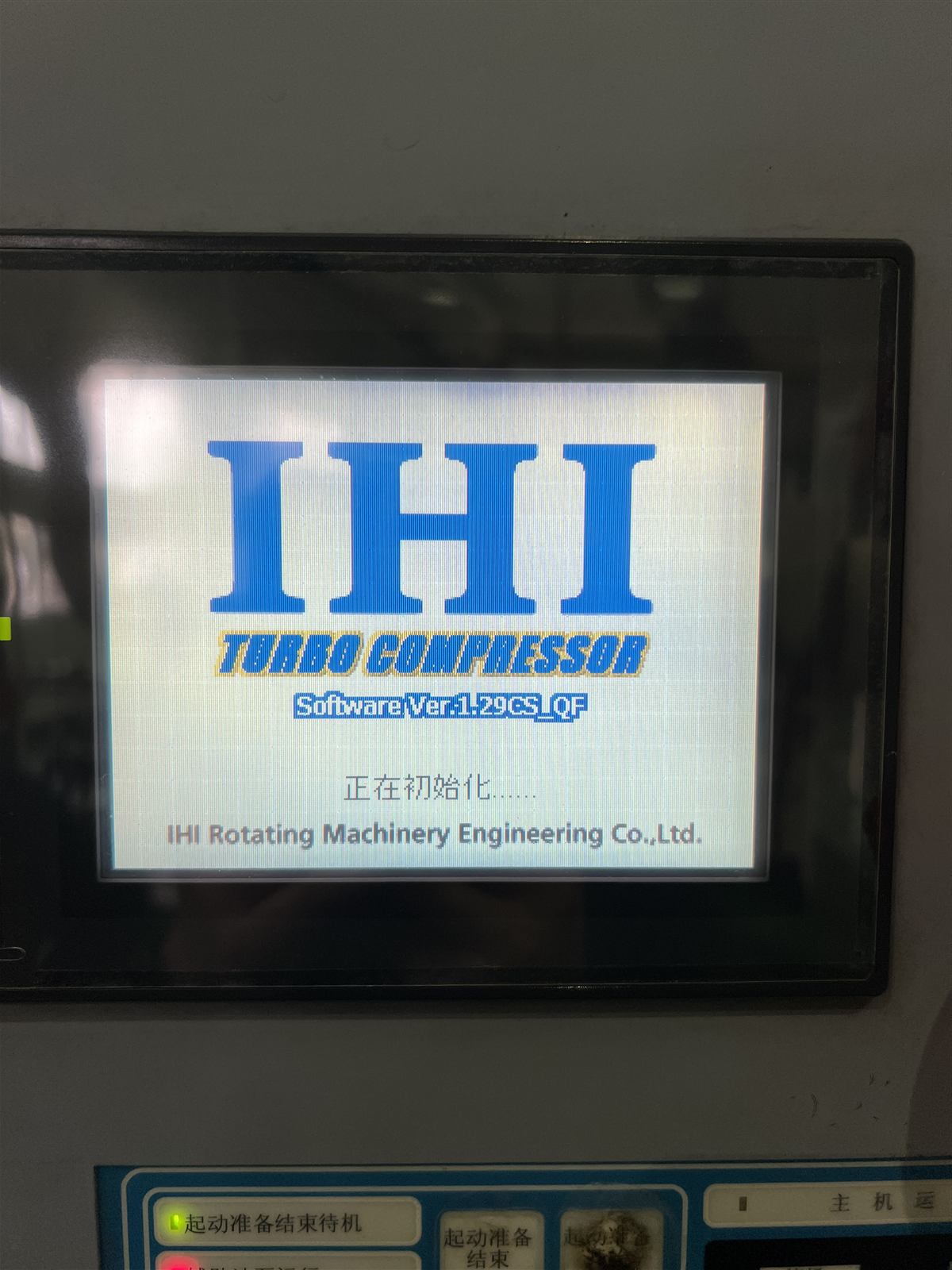
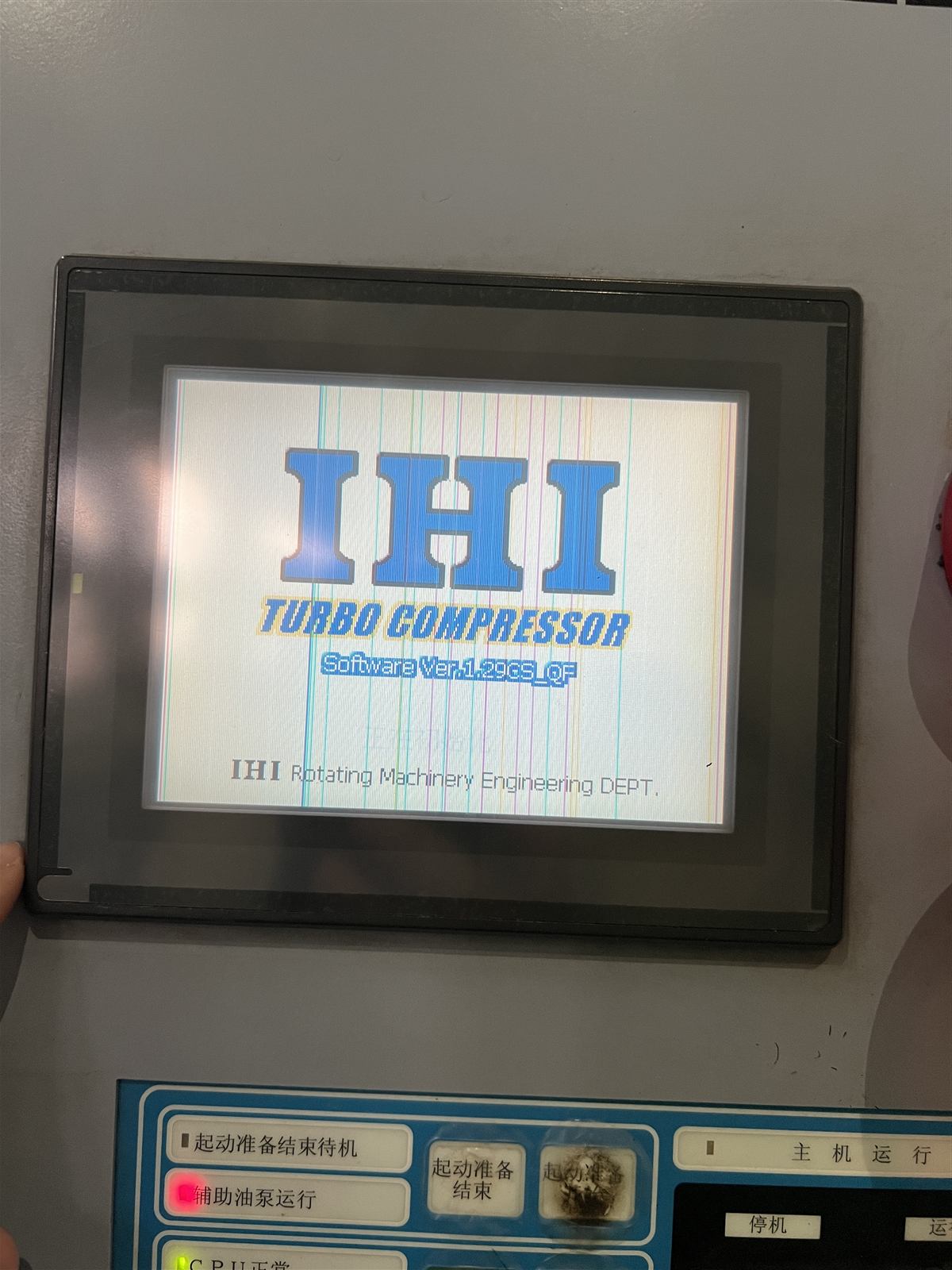
Touch panel photos
Frequently asked questions
- What are the signs that the panel needs replacement? — Dead areas, repeated presses, drifting calibration, ghost touches, no boot after power cycle, or lost communication while the machine is healthy.
- Can the original compressor program be kept? — Yes, if the old panel still communicates. We read the project out, back it up, and load it into the new panel.
- Which models do you supply? — KEYENCE VT2-5SB and VT3-Q5TA; discontinued models confirmed at quotation with a compatible equivalent proposed where needed.
- Does replacing the panel change control settings? — No. Set points, IGV limits and surge parameters are carried over, then verified at commissioning.
- What is needed for a quotation? — Compressor model, panel model and nameplate photo, photos of the front and rear connectors, controller type, and whether a backup exists.
How to get a quotation
Send the compressor model, the panel model and a photo of the nameplate and rear connectors. If the panel is still alive, do not let anyone factory-reset it before the program is backed up — that is the step that turns a simple panel swap into a program rebuild.
Related parts & other compressor models
Vibration SensorsInlet Guide ValveOverhaul & UpgradingBearingsImpellersDiffusersIntercooler & AftercoolerTXATRETRXMSG
Related technical guides
- Centrifugal compressor parts photo guide — control panel, IGV and instrumentation in one overview.
- Surge diagnosis case — how panel data were used to find a control problem.
- Maintenance grades — where panel and instrument checks fall in the service schedule.